The Practical Guide to Finding Business Emails for Candidate Outreach
Learn how recruiters find business emails for candidate outreach, verify addresses, avoid bounces, and choose the right tools for faster sourcing.
Why Recruiters Need Business Emails for Candidate Outreach
Ignoring LinkedIn is easy; a verified business email is harder to miss. Recruiters need a direct way to reach passive candidates, fill urgent roles, and reduce bounce risk. This article shows how to find, verify, and use business emails so outreach is faster, more accurate, and more effective.
A few numbers explain why this matters: email remains one of the highest-ROI outreach channels, with an average return of about $36 for every $1 spent in many marketing benchmarks [1]. In recruiting, that efficiency matters because a single bounced or mistargeted message can slow down an entire search.
Tip: Before you start sourcing, define the exact candidate profile you want to reach. A clear title, seniority level, and target company list makes email discovery faster and reduces wasted lookups.
What Is a Business Email Finder?
A business email finder is a tool or method used to discover professional contact details tied to a work domain. For recruiters, the goal is not to find personal inboxes. The goal is to find a verified business email that can support professional outreach. Many tools also help with contact discovery, pattern matching, and email verification.
Most business email finders work by combining public web data, domain patterns, and verification signals. Some tools can return results in seconds, while others enrich records with job title, company, and confidence scores. In practice, the best tools reduce manual lookup time and lower the chance of sending to an invalid address.
Tip: Use confidence scores as a filter, not a guarantee. If a tool returns a low-confidence match, verify it before adding the contact to a sequence.
When Recruiters Use Business Email Discovery
Recruiters use business email discovery in several practical situations. Common examples include passive candidate outreach, hard-to-fill technical roles, executive search, and follow-up after a networking event. It is also useful when a candidate profile is incomplete or when a hiring manager wants a faster way to contact a specific professional.
Business email discovery is especially valuable in high-volume sourcing. Even a small improvement in contact accuracy can save hours across a pipeline. For example, if a recruiter sends 200 messages and avoids a 10% bounce rate, that is 20 fewer failed attempts that would otherwise need manual cleanup or rework.
Tip: Prioritize business email discovery for roles where response speed matters most, such as urgent backfills or niche technical searches.
How Recruiters Find Business Emails Step by Step
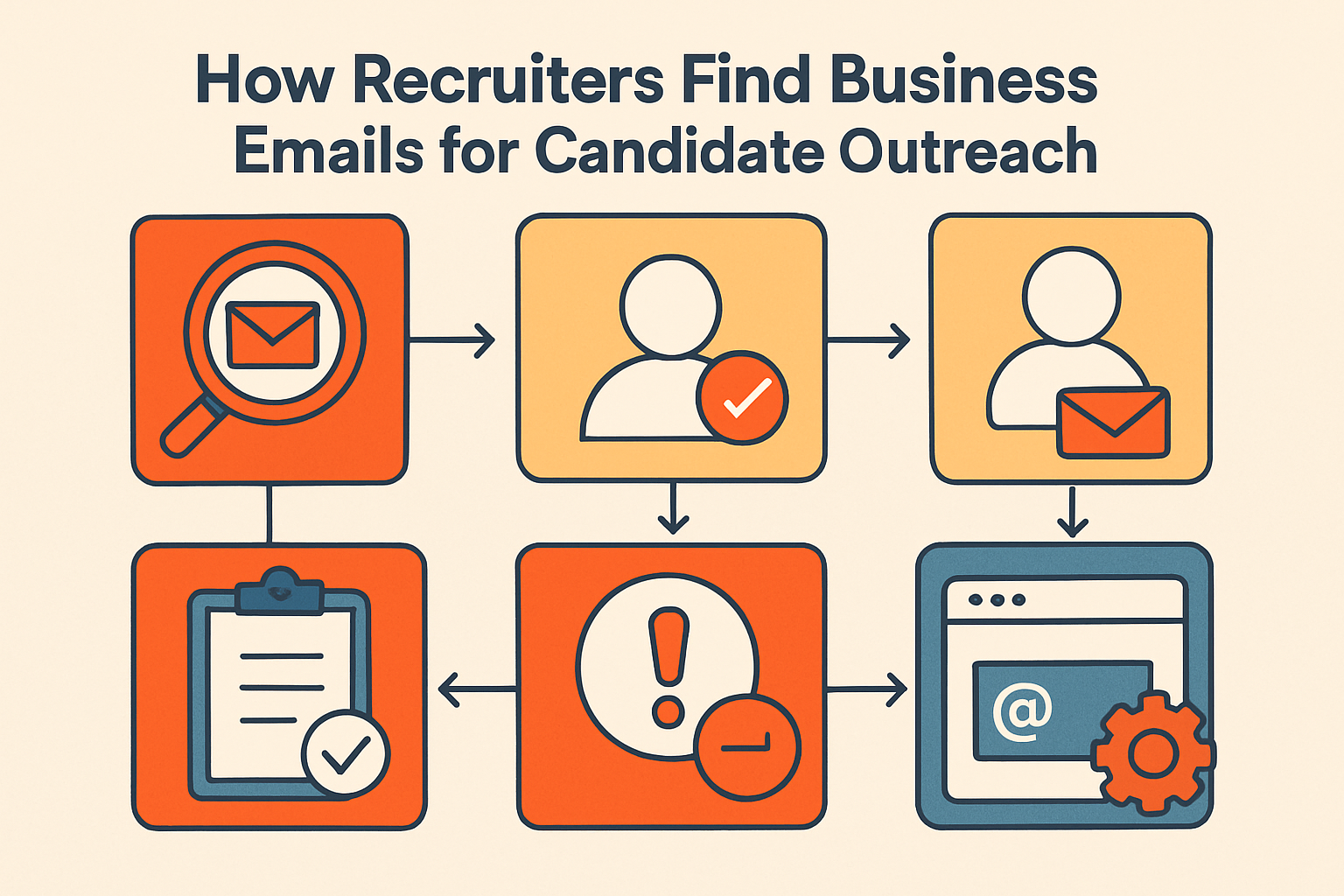
Use a simple recruiter workflow: 1) identify the candidate and current employer, 2) confirm the correct company domain, 3) check public sources such as LinkedIn or company pages, 4) test likely email patterns, 5) use a business email finder if needed, 6) verify the result, and 7) send a short personalized message. This process keeps outreach efficient and reduces wasted sends.
A practical detail: many companies use predictable email formats, but not all do. Common patterns include first.last@company.com, firstinitiallastname@company.com, and first@company.com. However, pattern guessing alone is unreliable because organizations often use multiple formats across departments or regions.
Tip: When testing patterns, compare against at least two known employee emails from the same company if they are publicly available. That gives you a better signal than guessing from one address.
Ways to Find Business Emails: LinkedIn, Company Sites, Patterns, and Tools
Recruiters usually start with LinkedIn to confirm job title and employer. Next, they may check the company website, press releases, speaker bios, or team pages for a published business email. If the address is not visible, they can infer common patterns such as first.last@company.com. When manual methods are not enough, a professional email finder can speed up contact discovery. For sourcing workflows, this is often more efficient than guessing alone. Related resource: Email Finder vs Manual Research: Which Is Better for B2B Leads?.
Public sources can be surprisingly effective. Conference speaker pages, podcast guest bios, GitHub profiles, author pages, and webinar landing pages sometimes expose a work email that is not listed on the company site. These sources are especially useful for technical and leadership candidates who publish content under their professional identity.
Tip: Search for the candidate’s name plus their company domain, role, or event name. Public mentions often surface an email address faster than browsing the company site manually.
How to Verify a Business Email Before Outreach
Verification should happen before sending any recruiter email. Check whether the address is valid, deliverable, and likely to reach the inbox. Look for verification status, domain health, and bounce risk. If possible, use an email verification tool before adding the contact to a sequence. Related resource: How to Get Verified B2B Email Addresses (the Smart & Ethical Way).
Verification matters because email deliverability is sensitive to sender reputation. Industry studies often show that bounce rates above roughly 2% can begin to signal list quality problems, while sustained hard-bounce issues can damage inbox placement over time [2]. A verified address does not guarantee a reply, but it does reduce avoidable failure.
Tip: Re-verify older contacts before reusing them in a new campaign, especially if the candidate may have changed roles or the company has gone through a rebrand.
Best Practices for Recruiter Email Outreach
Keep outreach short, relevant, and specific to the role. Mention why the candidate was selected, what the opportunity is, and why it may fit their background. Personalize the first line when possible. Avoid sending repeated follow-ups too quickly. For better response rates, pair business email outreach with candidate outreach templates and a clear call to action.
A concise message often performs better than a long pitch. Many recruiters aim for 50 to 125 words in the first email, with one clear ask. Subject lines that are specific and low-pressure tend to outperform generic ones, especially when the candidate is passive and not actively job hunting.
Tip: Keep the call to action simple, such as asking whether the candidate is open to a brief conversation this week. One clear next step is easier to answer than multiple questions.
Compliance, Privacy, and Deliverability Considerations
Recruiters should treat business email discovery as a professional sourcing activity, not a shortcut to personal data. Follow privacy rules, internal policies, and regional regulations. Also protect deliverability by avoiding high bounce rates, using verified addresses, and keeping outreach volume reasonable. Good deliverability helps preserve sender reputation and improves long-term recruiter productivity.
In the EU, GDPR can apply when processing personal data for recruiting, including business contact details tied to an identifiable person [3]. In the U.S., CAN-SPAM sets rules for commercial email, including accurate sender information and a clear opt-out mechanism [4]. Even when outreach is lawful, respectful frequency and relevance still matter for candidate trust.
Tip: Include a clear opt-out line in your outreach process and honor unsubscribe requests quickly. That protects trust and helps keep your outreach program organized.
What to Do When You Cannot Find a Business Email
Sometimes a business email is hard to locate because the candidate changed roles, the company uses a generic domain, or the data is outdated. In those cases, recruiters can try a LinkedIn message, a company contact form, or a referral through a mutual connection. If the role is urgent, use a fallback outreach option instead of repeatedly guessing addresses. This section is especially useful for hard-to-fill roles and stale contact data.
Another useful fallback is to search for the candidate’s name plus company domain in a search engine, especially when they have spoken at events or contributed to public content. If the person recently changed employers, old email patterns may no longer work, so always confirm the current domain before sending.
Tip: If email discovery fails, switch channels quickly rather than spending too long on one contact. A timely LinkedIn message or referral request can keep the search moving.
How to Choose the Right B2B Email Finding Tool
Choose a tool based on accuracy, verification, ease of use, and fit with your sourcing workflow. Recruiters should compare data freshness, domain coverage, and whether the tool supports contact discovery and verification in one place. If your team works at scale, look for recruiter productivity tools and talent sourcing automation features. Related resource: Domain Email Finder Tools Explained: How to Choose the Right One.
A useful comparison checklist includes:
- Accuracy rate on known contacts
- Verification depth and bounce prediction
- Coverage across industries and regions
- Bulk lookup support for sourcing teams
- CRM or ATS integrations
- Export options and workflow speed
- Compliance controls and auditability
For teams that source daily, even a small lift in match rate can compound quickly. For example, improving verified contact coverage from 70% to 80% across a 1,000-candidate pipeline adds 100 more reachable prospects.
Tip: Test any tool on a small sample of known contacts before rolling it out to the whole team. That makes it easier to judge accuracy against your own sourcing needs.
Building a Faster Candidate Outreach Workflow
The best recruiter workflow is simple: identify, confirm, find, verify, personalize, and send. When teams use business email discovery carefully, they can reach more qualified candidates with fewer bounces and less manual work. The result is a faster, more reliable candidate outreach process.
A strong workflow also creates better reporting. Recruiters can track open rates, reply rates, bounce rates, and conversion to interview to see which sourcing channels produce the best candidates. Over time, this helps teams refine their email finder choice, improve message quality, and reduce wasted outreach.
Tip: Review bounce and reply data by source so you can see which discovery methods produce the best contacts. That helps you spend more time on the channels that actually work.
Quick Stats Recruiters Should Know
- Email is still one of the most widely used professional communication channels, which is why it remains central to sourcing workflows [1].
- A bounce rate above about 2% is often a warning sign that list quality or verification needs attention [2].
- Personalized outreach generally performs better than generic mass messaging, especially for passive candidates.
- Verified business emails are more useful than unverified guesses because they reduce wasted sends and protect sender reputation.
- A small improvement in contact accuracy can save significant time when sourcing at scale.
References
[1] Litmus — State of Email / Email ROI benchmarks
[2] Validity — Email Bounce Rate Guide
[3] European Commission — GDPR Overview
[4] FTC — CAN-SPAM Act Compliance Guide
Final Takeaway
The advantage is not finding more emails; it is finding the right ones fast enough to keep outreach moving. Treat discovery, verification, and personalization as one workflow, not separate tasks. Before your next campaign, do this:
- confirm the target company domain
- verify every address before sending
- keep the first message short and specific
- track bounce and reply rates by source
That is the difference between busy sourcing and usable outreach.
